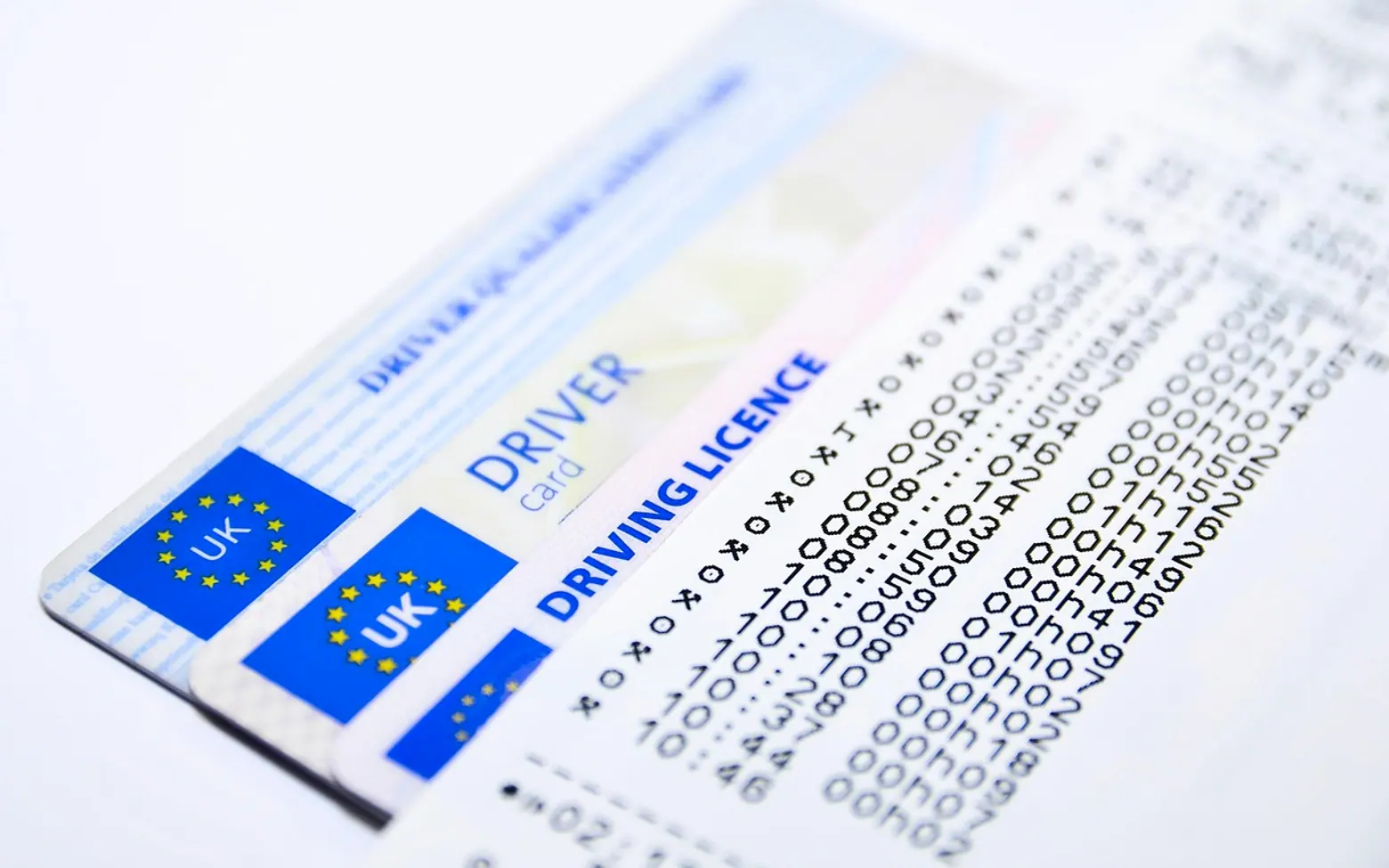
What are current technologies and methods used to identify fake IDs?
From laminate checks and UV features to barcode scans and automated document software, the main layers businesses use to tell a real ID from a forgery.
Bars, car rental desks, banks, online marketplaces and hotels all face the same small question many times a day: is the card on the counter real, and is the face printed on it the face standing there? Answering it reliably has become a layered process, combining old-fashioned inspection with scanners and software that read what the eye cannot.
Layer one: what a trained eye catches
Many altered documents give themselves away under a careful look. Staff are typically taught to check:
- The laminate and edges. Lifting, bubbles or uneven edges can suggest the card was opened to swap a photo.
- The photo itself. A picture that sits slightly raised, looks pasted or has a different print quality from the rest of the card is a warning sign.
- Repeated details. Many IDs print key numbers or dates in more than one place. Changing one is easier than changing all of them consistently.
- Fonts and spacing. Odd letter shapes, misaligned text or spelling errors are common in poor copies.
Layer two: features that need a little help
Issuing authorities build in security elements that are hard to reproduce. A magnifier reveals microprinting, tiny lines of text that blur into a solid stroke when photocopied or printed on ordinary equipment. An ultraviolet lamp shows patterns, seals or images that are invisible in normal light. Holograms and colour-shifting inks change appearance as the card is tilted. Knowing which features a particular document type should carry is the key, which is why many businesses keep reference guides at the counter.
Layer three: reading the data
Most modern documents store information in a machine-readable form, such as a barcode on a driving licence or the two lines of coded characters printed beneath the photo in a passport. Some passports also contain a chip. Scanning these and comparing the encoded data with what is printed on the front exposes many forgeries, because a counterfeiter may copy the visible design without matching the hidden data correctly.
Layer four: automated verification
For businesses that check identities at scale, or remotely through an app, software has become the main line of defence. These systems photograph or scan a document, read its text, check the security patterns against known templates and flag anything inconsistent. Many also compare the document photo with a live selfie to confirm the holder is present.
Tools for passport verification bring these steps together, letting companies run document checks through an app or an API and fit them into their own sign-up or check-in flows without building the technology themselves.
Bringing the layers together
No single check is enough on its own, and the strongest setups combine several: a quick visual review, a scan of the encoded data and, where the risk justifies it, automated document and face matching. Clear internal procedures matter as much as the tools, including what staff should do when something looks wrong and how personal data from scans is stored and protected. Rules on identity checks and data handling differ between countries and industries, so businesses should confirm what applies to them before rolling out a new process.