Latest Gamer's Gadgets PC Gamers Love to Have
Flight sticks, racing wheels, surround headsets and more: the PC gaming gadgets that add real immersion, and how to pick ones that suit the games you play.
A good PC can run almost anything, but the hardware you touch and hear decides how a game actually feels. That is why so many players eventually look beyond the standard keyboard and mouse. The accessories below are less about bragging rights and more about matching the controls to the genre.
Why peripherals matter more than ever
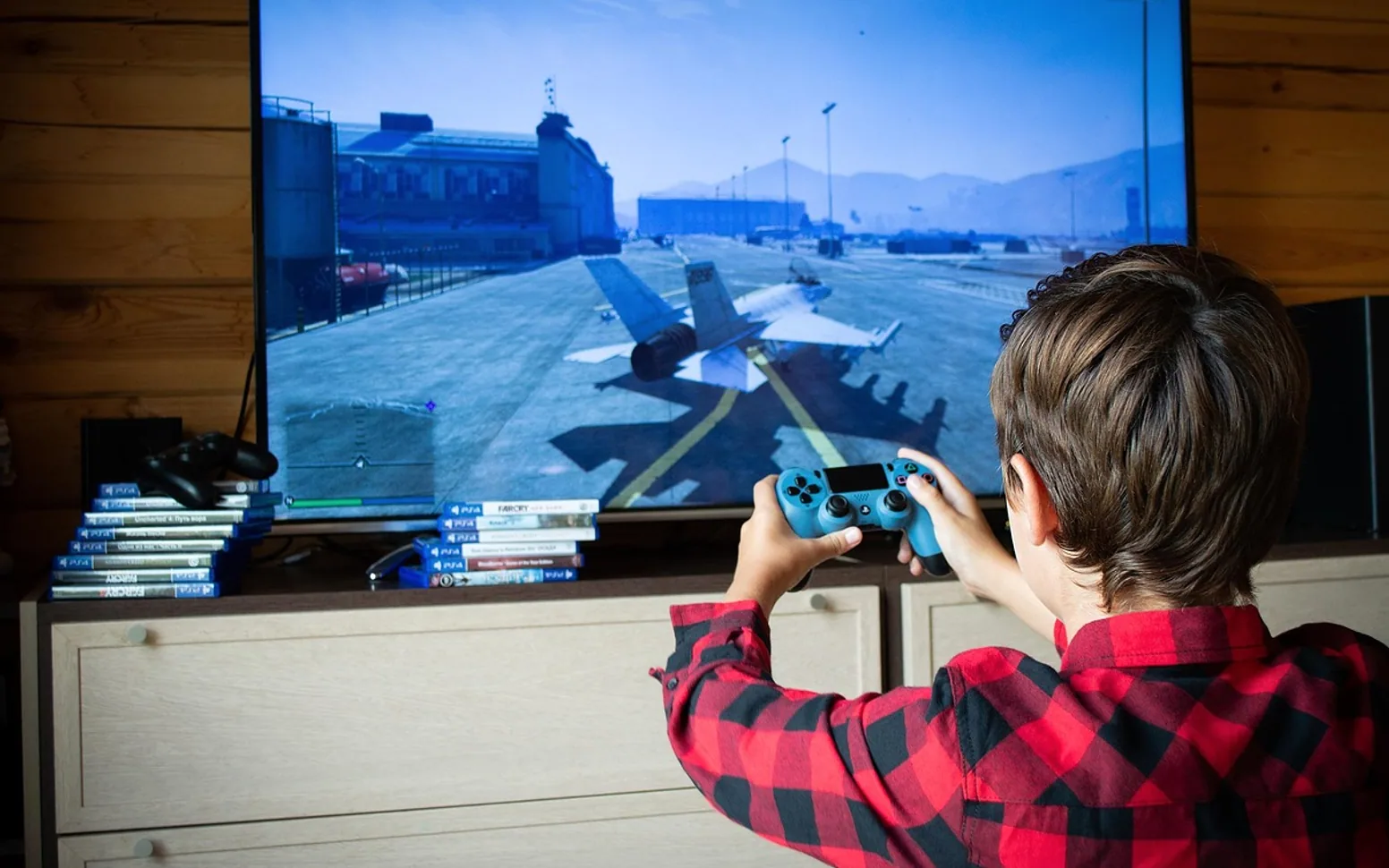
Video games have grown from a niche hobby into one of the most popular forms of entertainment, and the variety of genres has grown with them. A flight simulator, a racing title and a competitive shooter ask completely different things of your hands and ears. Manufacturers have responded with gadgets built for specific styles of play, many of them designed with PC players in mind because the platform supports such a wide range of devices.
The wider gaming industry has also made these accessories easier to find, with regular releases, clear compatibility information and plenty of options at different levels of ambition.
Gadgets worth a look
Flight sticks and HOTAS setups
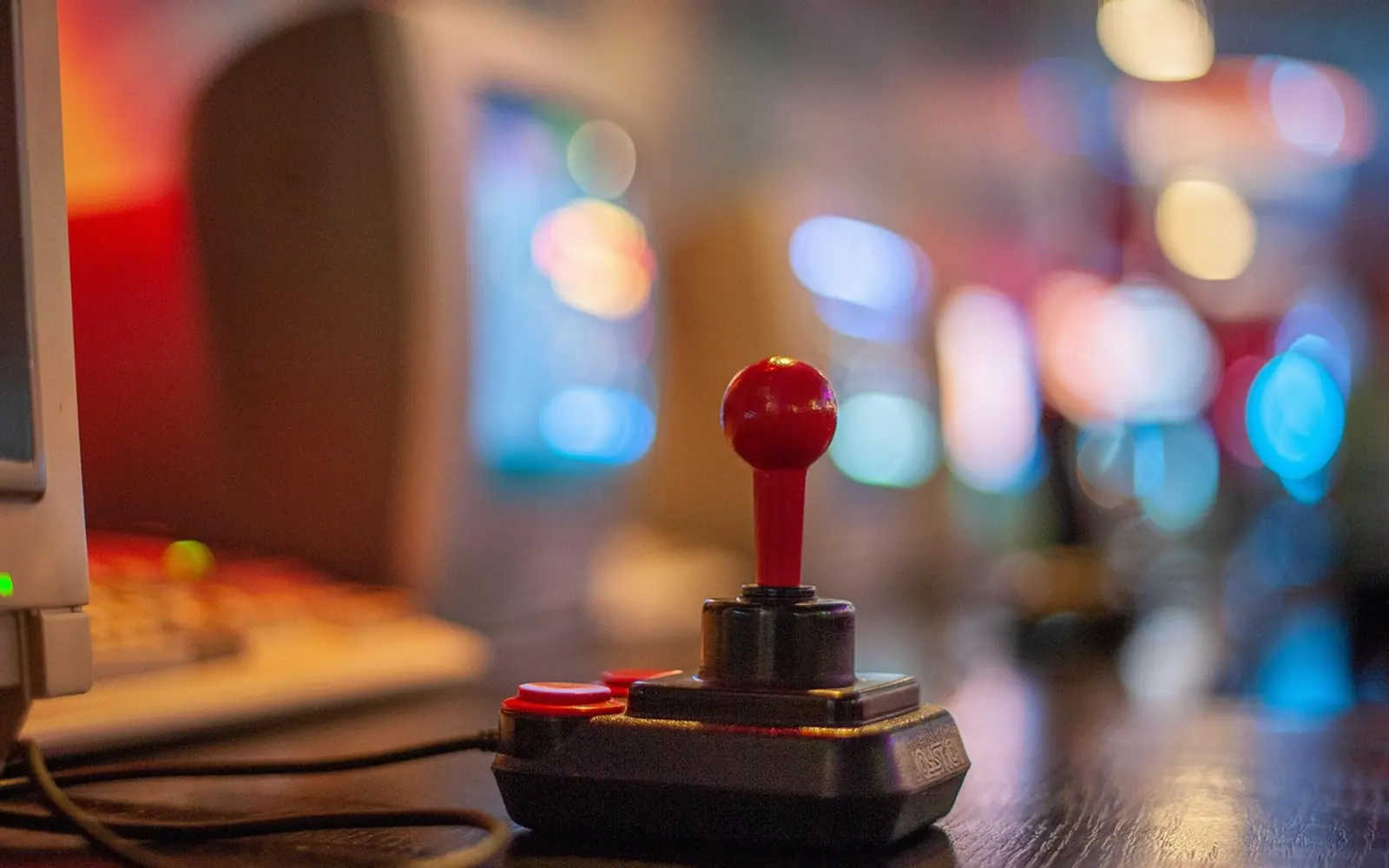
For simulators, a joystick paired with a separate throttle puts the controls where a pilot would expect them. Some models add force feedback, so the stick pushes back during turbulence or tight manoeuvres. It turns a keyboard exercise into something closer to flying.
Racing wheels with pedals
A wheel with force feedback lets you feel the car losing grip or bumping over a kerb, and a pedal set allows gentle throttle and brake control that a button cannot match. Some sets include a manual shifter for players who enjoy changing gears themselves.
Surround-sound headsets
Positional audio helps you hear where footsteps or engines are coming from. Wireless versions remove the cable that always seems to snag on the chair, while wired models avoid any concern about charging mid-session.
Mechanical keyboards and tuned mice
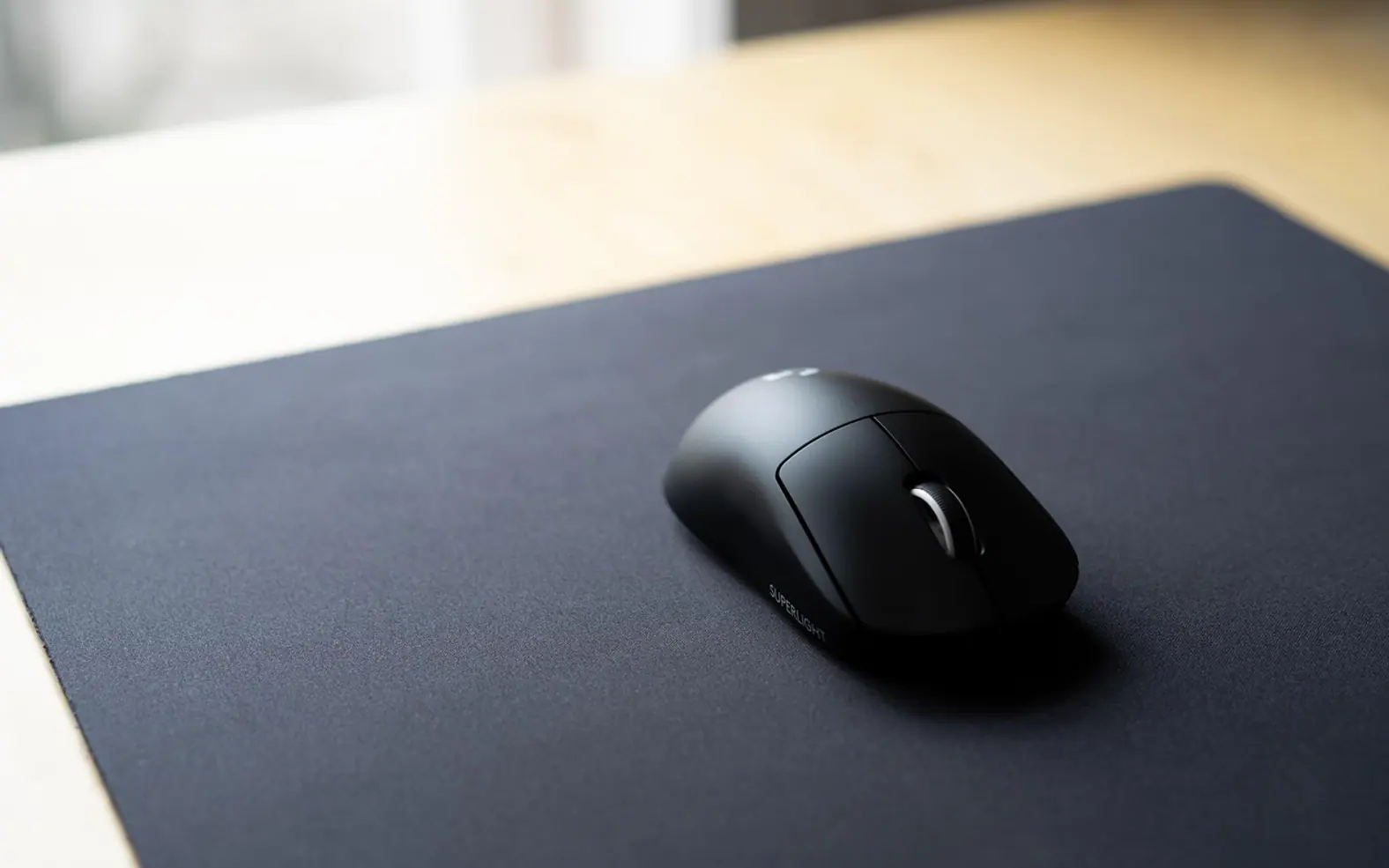
Mechanical switches give a defined press that many players like, and mice with adjustable sensitivity, extra buttons and comfortable shapes make long sessions easier on the hand.
Choosing what fits your setup
| If you mostly play… | Consider first |
|---|---|
| Flight and space sims | Joystick and throttle |
| Racing games | Wheel and pedals |
| Shooters and team games | Headset and a responsive mouse |
| Strategy and MMOs | Keyboard and a mouse with extra buttons |
Check desk space and mounting options before buying a wheel or flight stick, and confirm that the games you play support the device. Reading the manufacturer's compatibility notes avoids disappointment.
A few setup tips
- Install the manufacturer's software to adjust sensitivity, button mapping and lighting.
- Calibrate wheels and sticks inside each game, since default settings vary.
- Take regular breaks and adjust chair and desk height, especially with new controllers.
The right gadget makes a familiar game feel new again. Start with the genre you play most, invest in the controller that suits it, and build the rest of the setup over time.