10 Reasons To Switch To A Laptop
Thinking of retiring the tower PC? Ten practical reasons a laptop may suit you better, from a clearer desk and portability to resale value and lower power use.
For years a beige or black tower under the desk was simply what a home computer looked like. That habit has quietly faded. Portable machines now cope with office work, photo edits, coding and plenty of games, and they manage it without taking over a corner of the room. If a new purchase is on the horizon, the ten points below deserve a look before you order another case, monitor and keyboard bundle.
Space and comfort
- The desk becomes a desk again. Closed, a laptop needs about as much room as a hardback book. There is no tower to kick, no separate keyboard tray and no knot of display cables behind the monitor.
- The keyboard is part of the package. Many people like the low, quiet keys of a built-in board, and they always sit at the same distance from the screen, which keeps posture predictable.
- It goes where the task is. Kitchen counter, sofa, spare room, a bench outside on a mild afternoon: the computer follows you instead of you following the computer.
A different way of working
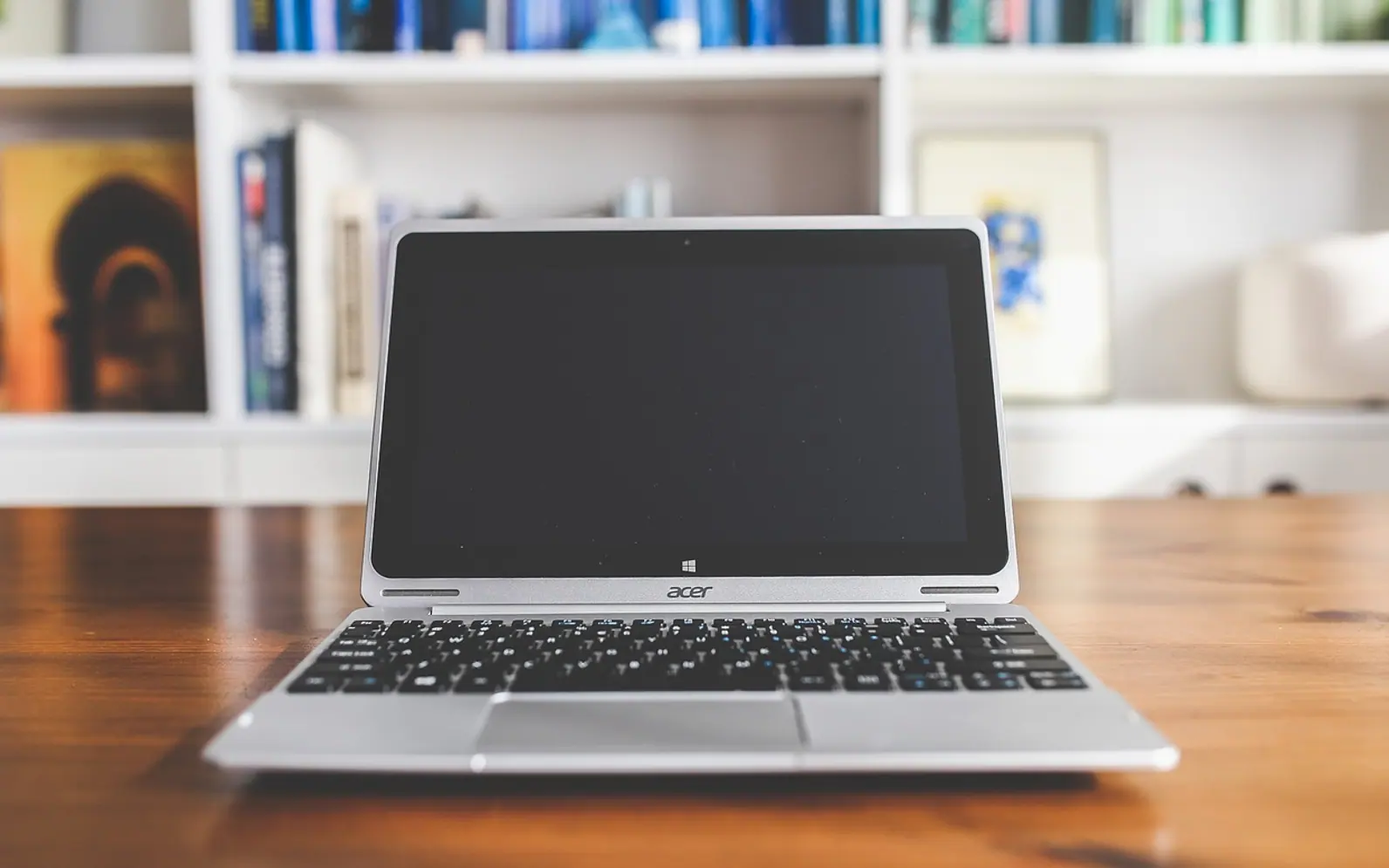
4. Multitasking that moves with you. Portability sounds like a small perk until you live with it. You can keep a recipe open beside the chopping board, take a call from the quietest room in the house, or carry a half-finished spreadsheet to a colleague for a second opinion. A desktop replacement laptop is built for exactly that rhythm, with enough performance and screen area for long sessions at a table, yet it still folds shut and slips into a bag when the work changes location. For anyone who switches rooms or sites several times a week, this is the strongest argument on the list.
5. A screen tuned at the factory. Because the panel and the graphics hardware come from one maker, colours, brightness and scaling are usually set up to work together out of the box. Pairing a random monitor with a tower can take more fiddling to look right.
6. Ports within arm's reach. USB sockets sit on the sides rather than at the back of a box on the floor, so plugging in a stick, a mouse or a phone cable takes seconds.
Money, power and value over time
| Reason | Why it matters |
|---|---|
| 7. One purchase, not five | A laptop already includes the display, keyboard, trackpad, webcam and speakers. With a tower, each of those is often a separate line on the receipt, so compare complete setups rather than base prices. |
| 8. Runs without a wall socket | A charged battery lets you work through a power cut or on a train. Heavy users can look at models that charge quickly or accept a power bank. |
| 9. Easier to resell | Portable machines are simple to post, demonstrate and hand over, which tends to make them easier to sell on when you upgrade. Condition and model still decide the price. |
| 10. Lower power draw | Mobile chips are designed around efficiency, so a laptop typically uses less electricity than a tower and monitor doing similar work. Fewer separate devices also means less to recycle later. |
A bonus point: privacy
A desktop parked in the family room puts every open tab on display. A laptop can be carried somewhere quiet for banking, job applications or a surprise-gift order, then closed with one hand when someone walks in.
When a tower still makes sense
None of this means desktops are obsolete. If you want to swap graphics cards every couple of years, run several large monitors or keep costs down on raw performance, a tower can still be the better fit. For most households, though, the mix of portability, simplicity and lower running costs makes the laptop the sensible default, and a docking station can give it a full-size monitor and keyboard whenever you sit down at the desk.