Choosing a TV and Set-Top Box for Internet TV in a Spanish Apartment
Smart TV apps or a box, menu languages, viewing distance, router placement behind thick walls and tidy cabling: what to check for internet TV in a flat.
For internet TV in a Spanish apartment, choose the screen by the distance from your sofa and the light in the room, then decide whether the television's own apps are enough or a separate set-top box makes more sense. After that, the points that matter most are less glamorous: whether the menus and remote can be set to a language everyone at home reads, whether the router can reach the living room through solid interior walls, and whether there is a tidy way to power and connect everything.
Smart TV apps or a separate box?
Most current televisions run their own app store, and for many households that is enough. A separate box or stick has trade-offs of its own.
| Option | Works well when | Watch out for |
|---|---|---|
| Built-in smart TV apps | You want one remote and few cables, the TV is recent, and your services offer an app for its system | Software updates may stop after a few years, and app support differs between TV systems |
| Separate set-top box | Your provider supplies or recommends a box, the TV is older, or you want to replace the "smart" part later without changing the screen | An extra remote, an extra socket and one HDMI input taken |
| Streaming stick | Space behind the TV is tight and there is a spare HDMI port | Usually Wi-Fi only, and some need a separate USB power adapter |
Before deciding, look at what your internet TV provider actually supports. Some services are built around their own box, others around apps on common TV systems, and the provider's terms will say which devices are allowed and how many can be used at once. Services aimed at Spanish homes, such as IPTV España, arrive over the broadband line, so the box or app is only half of the set-up; the connection feeding it is the other half. For the wider picture of how this kind of delivery is changing viewing in the country, see how internet TV is reshaping living rooms across Spain.
Remote and menu language settings
A television bought locally will normally come set up for the Spanish market, which suits many households but not every one. Mixed-language homes may want something different, so check how far the language options go.
- System language: the menus, settings pages and on-screen guide.
- Preferred audio: many programmes offer the original soundtrack as well as a dubbed one, and the default can often be set once.
- Subtitles: language, size and background, which matter for anyone reading from across the room.
- Voice search: the remote's microphone may only understand the language the system is set to.
Can the menus be switched to English after setup?
On most televisions and boxes, yes. The system language sits in the general or device settings, and changing it does not remove your apps. Audio and subtitle preferences are often stored separately, on the TV and again inside each app, so a household that wants original audio with Spanish subtitles may need to set it in two or three places.
Room size and viewing distance
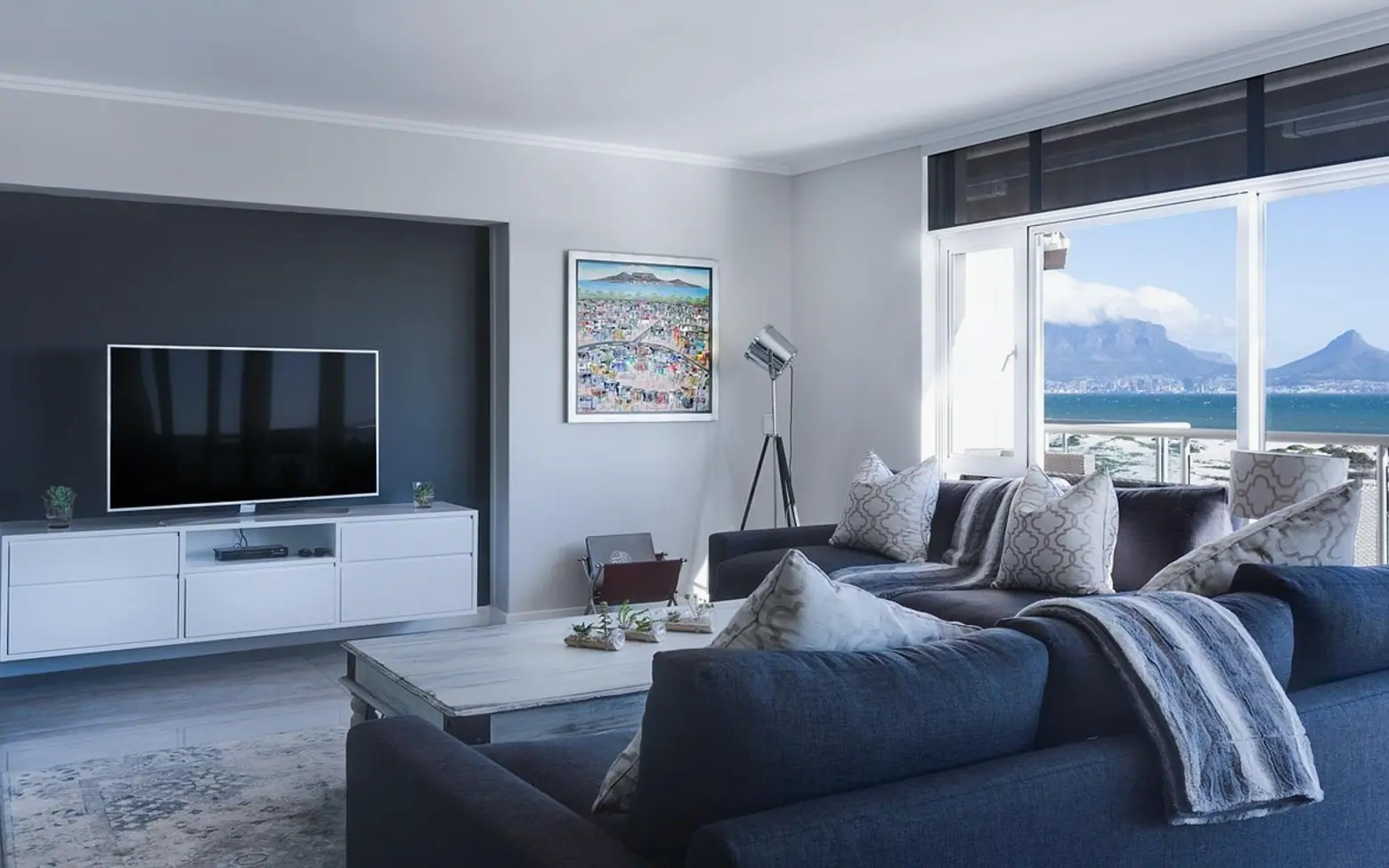
Living rooms in city flats are often narrow, with the sofa closer to the screen than in a detached house. Measure the distance from where people actually sit to the wall where the TV will go, and choose a size that fills a comfortable part of your view without forcing you to turn your head to follow the action.
Light matters as much as size. Balcony doors and big windows bring strong daylight. A screen that copes with a bright room is worth more than one that only looks good in the dark. Labels such as HDR also mean more in some rooms than others; the explainer on what HDR labels on a screen actually promise was written for monitors, but the same logic applies to televisions.
Router placement in thick-walled flats
Many older apartment buildings have solid masonry walls inside, and the fibre often enters the flat near the front door, a long way from the living room. Wi-Fi then has to pass through several walls before it reaches the television.
- Move the router to a more central, open and raised position if the installation allows it, away from metal cabinets and the microwave.
- Run a network cable along the skirting board to the TV or box; it is the most dependable link for live channels.
- Use powerline adapters, which carry the network over the home's electrical wiring, where drilling is not an option.
- Add a mesh system with a unit near the television if several rooms need good coverage.
Is Wi-Fi good enough for internet TV?
It can be, provided the signal at the TV position is strong and steady. Test it by playing a live channel in the evening, when the neighbours' networks are busiest. If the picture drops in sharpness or pauses, a cable or wired adapter is usually a more reliable fix than a faster broadband plan.
Power and cable tidiness
A TV, a box, a soundbar and perhaps a powerline adapter all need sockets, and living rooms in older flats rarely have many. Plan for a quality extension with surge protection, keep the set-top box where air can circulate rather than shut in a closed cabinet, and buy HDMI and network cables long enough to run neatly instead of hanging taut. Labelled plugs make it easier to restart the right device.
What to check before buying
- The provider's list of supported devices and the number of screens its terms allow.
- Enough HDMI inputs for the box, soundbar and anything else you plan to connect.
- A network port on the TV or box, so a cable remains an option later.
- Menu, audio and subtitle languages that suit everyone at home.
- The measured seating distance and how bright the room gets in daytime.
- A remote that is simple enough for every member of the household.
- The shop's return policy, in case the screen struggles in your room.
Get those points right and the new set-up should be something the whole household can use from the first evening, without anyone needing to call for help to find the right input.