From Basics to Brilliance: Tips for Creating 3D Facial Animations
Build expressive 3D faces for games: clean mesh flow, a lean rig, reference-driven posing and the timing tricks that keep characters believable on screen.
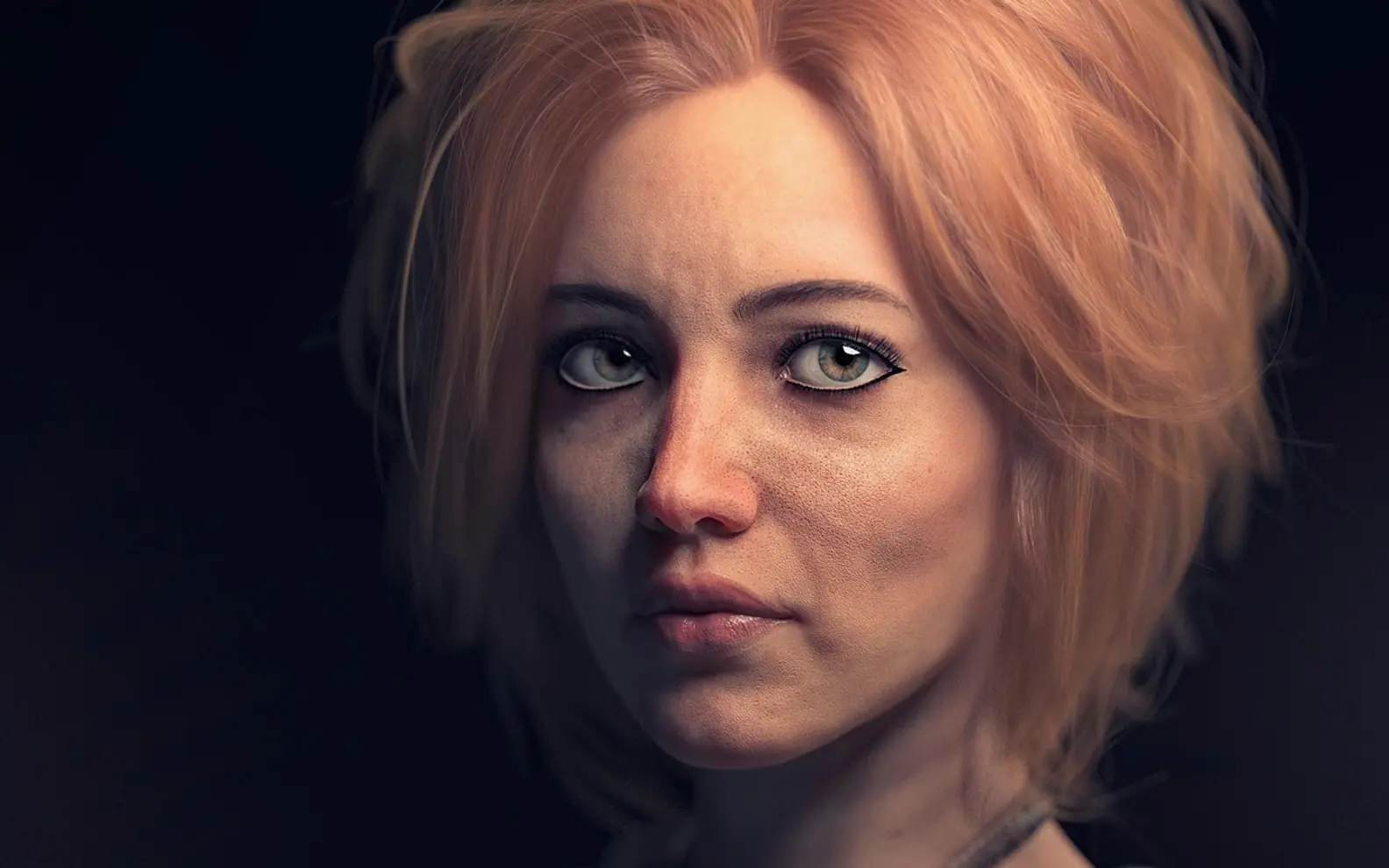
Players forgive a lot in a game, but they notice a stiff face immediately. A character can have detailed armour and perfect lighting, yet a smile that pulls the cheeks into odd creases breaks the moment. Good facial animation is less about polygon count and more about planning each stage so that the mesh, the rig and the performance support each other.
Mesh first: shape the face for movement
Everything starts with how the geometry flows. Faces bend in predictable places, so the edge loops should follow the muscles that drive expression: rings around the eyes, rings around the mouth and lines that run from the nose towards the corners of the lips. When loops follow those paths, a blink or a grin deforms smoothly instead of tearing or pinching.
For real-time projects, artists often work with low poly topology because it keeps the model light enough for game engines while still giving the rig clean areas to bend. The trick is placing density where motion happens: extra edges around the lips and eyelids, fewer across the forehead or the back of the skull.
A rig that animators actually enjoy
A face rig does not have to be enormous to be expressive. A sensible starting setup might include:
- A jaw joint for opening and closing the mouth.
- Controls for each eyelid, plus eye aim controls for gaze.
- A few lip controls for corners, upper and lower lip.
- Brow controls that can raise, lower and pinch.
- Blend shapes for common mouth shapes used in speech.
Keep the controls readable and grouped. When an animator can find the right handle in a second, they spend more time on performance and less on hunting through the outliner.
Study real faces before animating
Reference is the fastest teacher. Recording yourself saying a line, or watching actors in close-up, shows details that are easy to forget: the eyes often move before the head turns, blinks tend to happen during shifts of thought, and a genuine smile involves the cheeks and eyes rather than the mouth alone. Building a small library of expressions, from mild surprise to quiet frustration, gives you poses to test the rig against.
Timing, layering and lip sync
Facial animation usually reads best when it is built in layers. Start with broad head and jaw movement that matches the rhythm of the dialogue. Add mouth shapes for key sounds next, then eyes and brows, then small extras such as nostril flares or a slight cheek lift. Holding a pose slightly longer than feels natural can help an emotion register, while tiny drifts keep a still face from looking frozen.
For lip sync, fewer, clearer mouth shapes generally look better than trying to match every syllable. Hitting the closed shapes on sounds like "m", "b" and "p" sells speech more than anything else.
Test inside the engine
What looks good in the modelling software can change under game lighting, camera distance and compression. Exporting early and reviewing the face at the distances players will see it reveals problems with shading, normals and exaggeration. Adjust, re-export and test again. Over several rounds, small refinements to the mesh, the rig and the timing turn a technically correct head into a character that feels alive.